
For Education Leaders
Get proven strategies and expert analysis from the host of the Learning Can't Wait podcast, delivered straight to your inbox.
Teach with Fullmind
Fullmind hires state-certified teachers to teach live, online classes for K–12 schools across the country, from home.
6 Tips for Making an Impact as a Virtual Educator
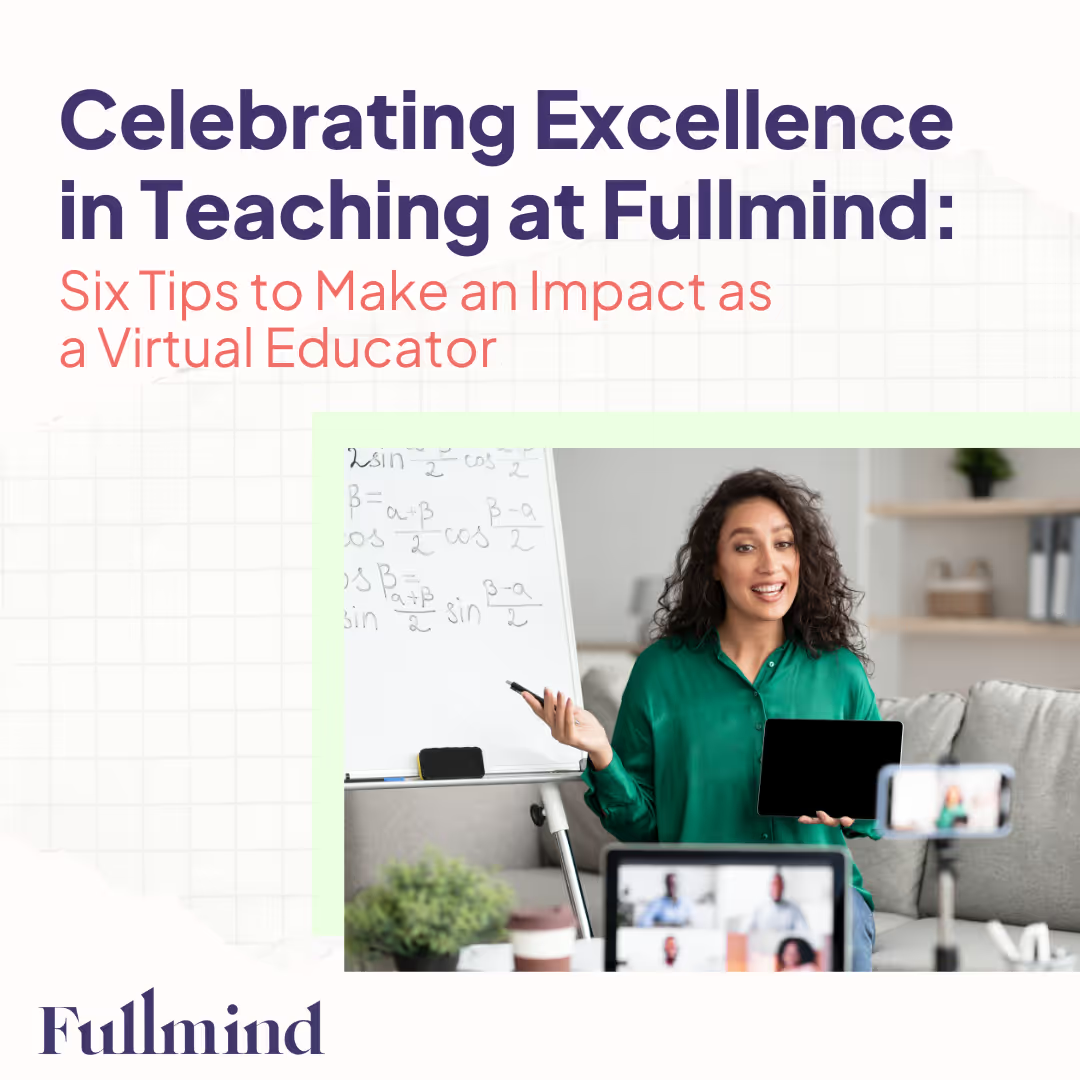
This month, Fullmind is thrilled to congratulate three exceptional virtual educators who have been honored with Excellence in Teaching awards by our partners at Allendale Community School District for their innovative use of technology tools for diverse learners:
- Shawn Blanchard: Math, Grade 7, Fairfax Middle School
- Pam Stanford: Math, Grade 8, Fairfax Middle School
- Carolyn Reynolds: ELA, Grade 8, Fairfax Middle School
These educators have demonstrated outstanding dedication, innovation, and commitment to student success. To celebrate their achievements, they are sharing their top tips for creating dynamic, award-winning virtual classrooms. Read on to learn from their expertise and elevate your own virtual teaching practices.
Inspired to elevate your own virtual teaching practice? Schedule a free strategy call today and discover how Fullmind’s award-winning educators can help you transform your virtual classroom into an engaging, supportive, and highly effective learning environment.
Key Takeaways
- Foster Community and Connection: Build strong relationships with students, establish routines, and set clear expectations
- Know Your School Administrators: Communicate regularly and plan collaboratively with district staff and facilitators.
- Partner with In-Person Facilitators: Maintain communication, plan strategically, and implement feedback loops.
- Master Classroom Technology: Choose a main platform, understand the tech landscape, and prepare for tech issues.
- Engage in Teacher Communities: Participate in professional development and collaborate with fellow educators.
- Create a Student Feedback Loop: Use regular assessments, detailed feedback, and office hours for individual support.
The top six tips for virtual education from top virtual educators:
Tip 1: Foster Community and Connection in the Virtual Classroom
Creating a sense of community and connection with students are virtual components of effective virtual teaching. Whether you're transitioning from traditional classroom settings or exploring online school teaching jobs, here are some strategies to help you establish a vibrant learning environment for your classroom:
Building strong relationships with students begins with understanding their interests, strengths, and challenges. Spend a bit of time getting to know them on a personal level to create a more engaging and inclusive learning experience. Understanding how Fullmind's platform works can help educators leverage technology to better connect with and support their students in this relationship-building process.
"Find ways to connect with your students, such as learning their names as soon as possible, engaging with icebreakers on day one, and calling home with positive feedback in the first week. These connection principles work well for in-person facilitators too." — Shawn Blanchard, Award-Winning Fullmind Educator
Strategies for fostering communities and connections in virtual classrooms:
- Create a Visible Seating Chart: Ask students to make visible name tags for their desks so you can quickly learn their names, call on them proactively, and establish relationships
- Provide Icebreakers and Student Surveys: Try one of these great Icebreaker Activities for Remote Students or run a student survey with fun, thought-provoking, and inclusive questions to learn more about who is in your class and what might resonate.
- Provide Individual Support: Engage each student with personalized feedback through one-on-one sessions, phone calls home, or written feedback in the grading process.
Creating consistent routines and setting clear expectations helps students feel secure and focused. Establish a structured schedule and communicate your guidelines for behavior, participation, and academic performance early and often.
“Prioritize setting expectations and making connections with students even more than you would in-person.” — Carolyn Reynolds, Award-Winning Fullmind Educator
Strategies to establish routines and clear expectations::
- Create a Daily Schedule: Develop a consistent daily routine that includes a time for lessons, activities, breaks, and assessments. Share this schedule with your students so they know what to expect each day.
- Define Classroom Rules: Clearly outline your expectations for behavior, participation, and academic performance. Discuss these rules with your students and ensure they understand the importance of following them.
- Consistent Communication: Regularly communicate with students about their progress, expectations, and any changes to the routine. This helps maintain clarity and ensures that students are always aware of what is required of them.
“Establish routines from the start. Setting clear expectations and being consistent with students helps everyone create a stable and productive learning environment.” — Pam Stanford, Award-Winning Fullmind Educator
Tip 2: Get to Know Your School and District Administrators
Building a strong relationship with the administrative staff in your school district is essential to success in a virtual learning environment. Early in your tenure, set up recurring conversations to exchange information about student progress, create alignment on instructional goals, and bridge gaps between online and offline learning opportunities in the district.
“Become familiar with the administrative and instructional team on the ground as they can give you access to information and support to best serve your students.” — Carolyn Reynolds, Award Winning Fullmind Educator
Strategies to learn about your school and district administrations:
- Establish Regular Communication: Set up regular meetings to discuss individual student progress, instructional goals, school and classroom norms, and management strategies.
- Attend Required Meetings and Professional Development Days: Participate in district and school-level meetings to stay informed about policies, initiatives and events that may impact your teaching. This helps you stay aligned with the broader educational goals and practices.
- Build Relationships with Key Staff: Identify key administrative staff such as principals, counselors, and department heads, and make an effort to build strong professional relationships with them. This can provide valuable support and resources to enhance your teaching.
Tip 3: Partner Effectively with Your In-Person Facilitator
Building a strong relationship with an in-person facilitator or para-educator is crucial for the success of everyone in the classroom. These facilitators can provide on-the-ground support, bridge gaps between online and offline learning experiences, and help you establish classroom routines/norms.
“Thoroughly communicate with your co-facilitator. Everyone learns differently, and my goal was to make the classroom feel like a functioning math class, just missing me in person.” — Pam Stanford, Award-Winning Fullmind Educator
Strategies to partner effectively with in-person facilitators include:
- Thoroughly Communicate: Regular communication with your co-facilitator is essential for discussing student progress, classroom management strategies, and any other important updates. Set regular meetings to chat about lesson plans, student progress, and classroom management.
- Create a Strategic Plan: Collaboratively planning lessons and activities ensures a seamless integration of virtual and in-person support. Use collaborative tools like google docs/sheets to coordinate and define clearly roles and responsibilities so everyone is prepped for success
- Implement a Feedback Loop: Encourage continuous feedback from your facilitator to identify areas for improvement and make necessary adjustments. Use regular meeting times to solicit feedback and enact change as needed.
“Create a strategic plan with your collaborating teacher. Use Google Docs/Sheets to tag team grades and track student progress.” — Shawn Blanchard, Award-Winning Fullmind Educator
Tip 4: Become a Classroom Technology Expert
Being a technology adoption leader is crucial for ensuring that your school district effectively supports virtual learning. This involves being proactive, resourceful, and tenacious in helping your administration and in-person facilitators set up systems and adopt new technologies.
“Choose a main platform that works for you and your students for housing your main lessons, feedback, etc.” — Pam Stanford, Award-Winning Fullmind Educator
Strategies to becoming the classroom technology expert include:
- Choose a Main Platform: Select a primary platform for housing lessons, feedback, and communication. Oftentimes, your school or district will have a preference on the platform you use, so it can be an easy choice. If it’s a platform you’re not familiar with, seek out training to use it well.
- Understand Your Technology Landscape: Learn about what’s being used outside of the classroom to track student progress, report on grades, communicate with families, and exchange student information. Don’t be afraid to ask questions and seek access to any platforms you think would enrich your teaching experience.
- Befriend IT: You will inevitably need support with technology in your classroom, so working closely with IT is a great idea! Work to build good rapport with your IT staff and reach out whenever you need help. Familiarize yourself with basic troubleshooting steps for minor issues so you can give IT a head start on identifying issues.
Tip 5: Join and Participate in Teacher Communities
Being an active member in teacher support communities allows you to learn new techniques, access virtual school counseling resources, and gain support from fellow educators.
Strategies to join and participate in teacher communities include:
- Join the Fullmind Educator Community on Facebook: Connect with fellow educators, share best practices, discuss challenges, and find support in our dedicated Facebook group. This community is a valuable resource for virtual educators looking to enhance their teaching skills and build meaningful connections.
- Share and Collaborate with Colleagues: Actively participate in discussions, contribute to forums, attend webinars, and exchange ideas and resources with other educators. Not only will this help you find the best resources - it also helps fellow educators do their best work!
- Engage in Professional Development: Continuously seek out opportunities for growth and learning to stay current with educational trends and best practices. Participate in professional development events to enhance your skills and knowledge.
“Be an active member in teacher support communities to learn new and reimagined techniques and resources.” — Carolyn Reynolds, Award-Winning Fullmind Educator
Tip 6: Create a Feedback Loop with Students
Creating a feedback loop with students helps them stay engaged and focused on their learning. Use your grading process to enhance students' desire to tune in and interact with lessons.
“Let your grading process enhance your students’ desire to focus. For example, grade notebooks weekly and participation daily. This will encourage students to stay locked in on the task at hand.” — Shawn Blanchard, Award-Winning Fullmind Educator
Strategies for creating feedback loops with students include:
- Regular Assessments: Use frequent, formative assessments to gauge student understanding and provide immediate feedback. Schedule regular check-ins to discuss progress and address any concerns.
- Detailed Feedback: Offering specific, actionable feedback on assignments helps students improve and stay motivated. Provide individualized comments on assignments to guide student improvement.
- Consistent Student Communication: Maintain open lines of communication with students to foster a supportive learning environment. Keep students informed about their progress and any upcoming assignments, and encourage questions to create an environment where students feel comfortable seeking help.
Conclusion
As we celebrate the achievements of our exceptional educators who have been recognized with Excellence in Teaching awards by Allendale Community School District, we are reminded of the impact that dedicated, innovative, and committed virtual educators can have on student success. By fostering a virtual classroom community, driving technology adoption, creating engaging lesson plans, partnering effectively with in-person facilitators, seeking continuous professional development, and becoming true members of the school community, virtual educators can set new standards in education and make a lasting impact on their students.
Let these tips inspire and guide you as you strive to create dynamic and award-winning virtual classrooms. At Fullmind, we are committed to supporting educators in their journey to excellence—anytime, anywhere.
If you’re ready to make a difference and join the ranks of innovative virtual educators, reach out to us today. Let’s transform education together.
Podcast
From the Learning Can’t Wait podcast
 Hosted by Hayley Spira-Bauer, Chief Academic Officer at Fullmind
Newest episodes
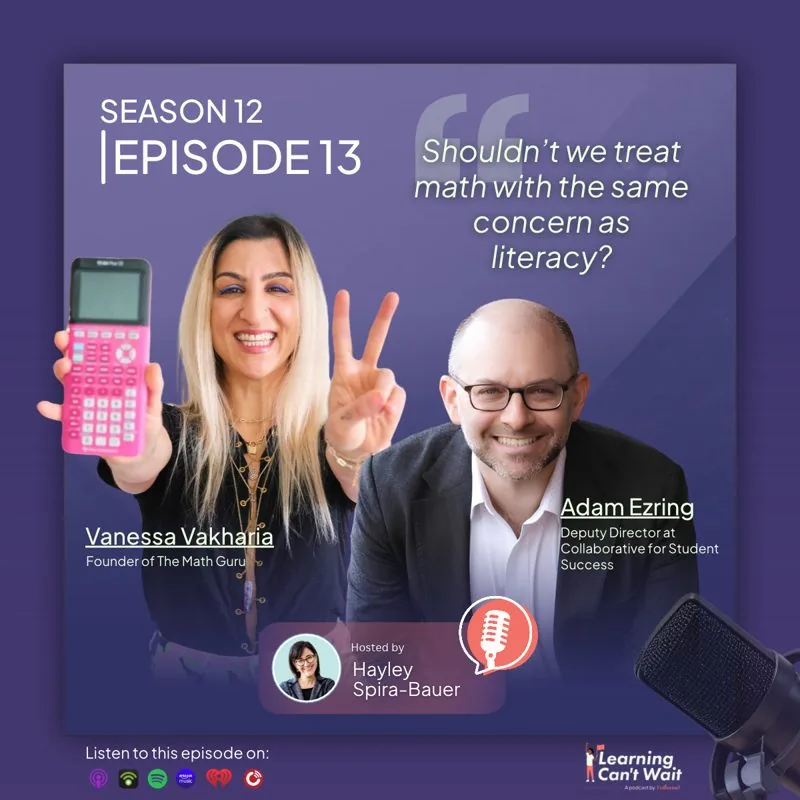 Vanessa Vakharia & Adam Ezring: Family Math, Math Confidence & Learning Through PlayOctober 13, 2026 · Vanessa Vakharia, Adam Ezring
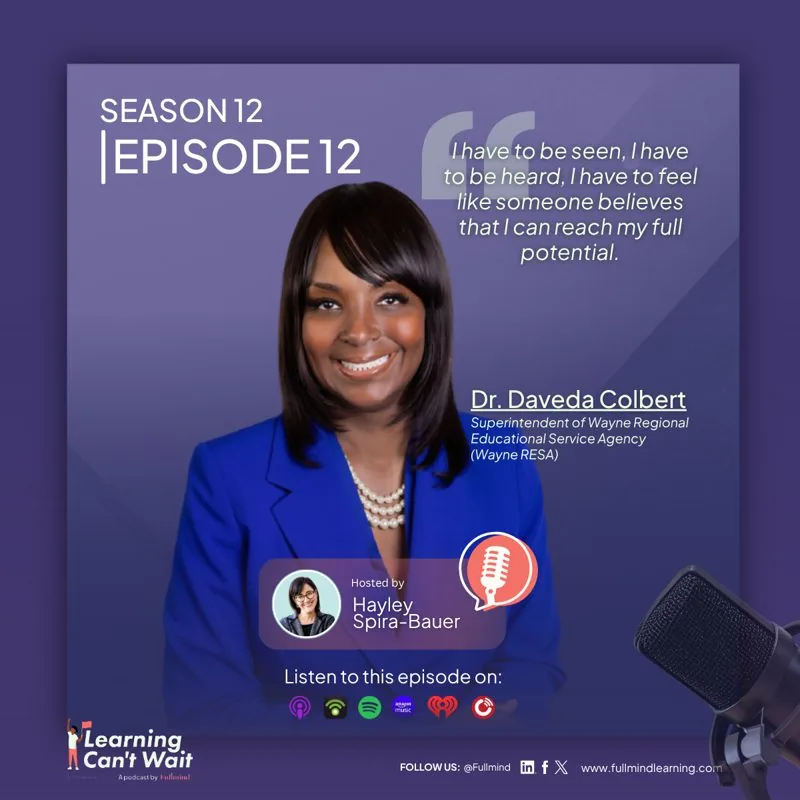 Dr. Daveda Colbert: Leadership, Belonging & ServiceOctober 6, 2026 · Dr. Daveda Colbert
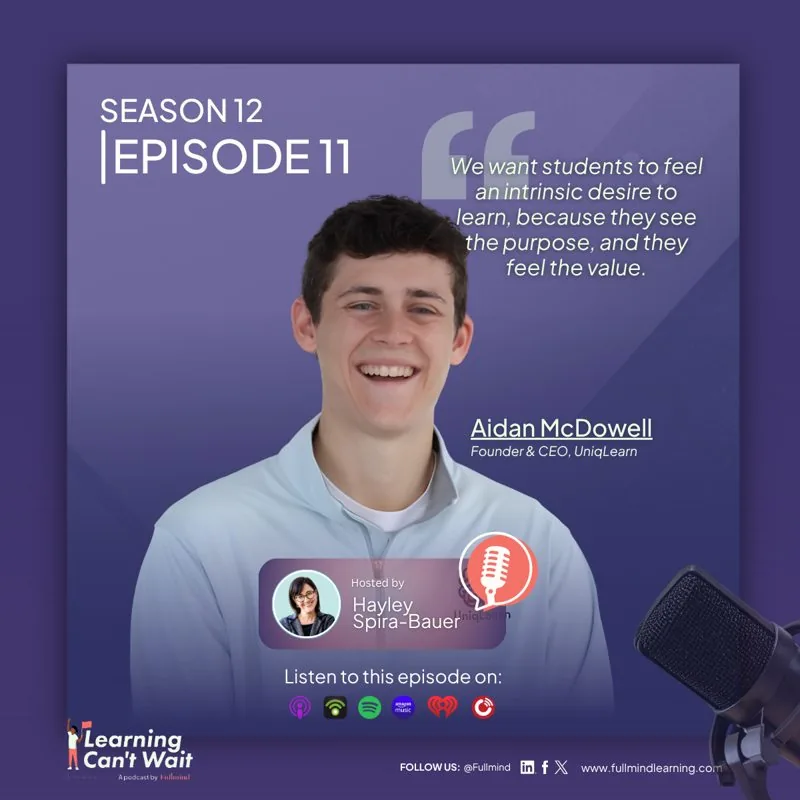 Aidan McDowell: Personalized learning, Student agency & Intrinsic motivationSeptember 29, 2026 · Aidan McDowell
For Education Leaders
Get proven strategies and expert analysis from the host of the Learning Can't Wait podcast, delivered straight to your inbox.

























































How can we help? Let’s connect.
Tell us what you need. It takes about a minute, and you’ll see the next steps right away.
We’ll reach out within one business day
An education consultant talks through your students, schedule and goals.
Get a plan for your district
A plan built around your needs and budget.
Need support? Call 1 (888) 841-7840
Thanks! We’ll confirm your meeting time by email within one business day.
Your one-pagers
Matched to what you told us. They download as one PDF.
Every child deserves the opportunity to access exceptional education.